The Beginning of Crystonix

Our journey began when our team noticed that many aspiring designers struggled to understand vector graphics due to scattered resources and inconsistent tutorials. We wanted to create a course that would guide learners from the basics to creating professional vector icons and illustrations with confidence and enjoyment.

  • Black electronic device with a screen displaying graphics on a white background
  • Digital audio player with screen displaying a music app interface on a white background
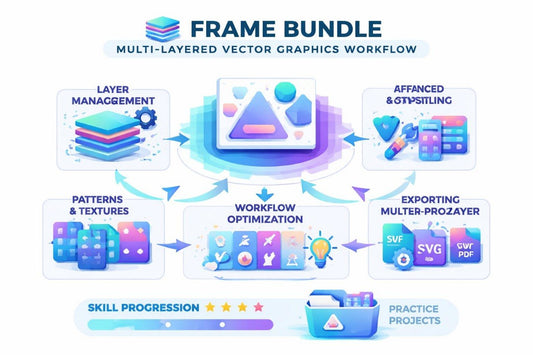
  • Digital tablet displaying a frame bundle on a white background

Talk about your brand

Our mission is to empower learners to develop practical vector graphic skills through engaging lessons, hands-on projects, and real-world applications, making learning both productive and inspiring for students of all levels.

  • GitHub logo with a black circle and white silhouette of a cat.
  • LinkedIn logo on a white background
  • Black circle with a white 'M' in the center
  • Priscilla Cole - Icon Systems Designer

    Priscilla Cole

    Icon Systems Designer

  • Gloria Copeland - UX/UI Vector Artist

    Gloria Copeland

    UX/UI Vector Artist

  • Marcy Scott - Motion Designer

    Marcy Scott

    Motion Designer

Try a Free Lesson

Start learning with our free lesson to experience Crystonix’s approach to vector graphics. This introductory lesson includes a hands-on project that demonstrates key techniques and workflows. You can download the materials and practice offline at your own pace.

30-Day Money-Back Guarantee

Try the course risk-free. If you're not satisfied for any reason, get a full refund. No questions asked. Refund requests may be submitted within 30 days in accordance with our Refund Policy.

  • Geometric shapes in blue, purple, pink, and white on a light blue background

    Creative Freedom

    Explore your ideas and
    experiment with vector shapes,
    colors, and effects to bring
    your personal style to life.

  • Stack of three gradient square shapes in blue, purple, and white on a white background

    Real Projects

    Work on exercises and
    practical assignments that
    mirror real-world vector design
    tasks and challenges.

  • Colorful icon with geometric shapes on a white background

    Skill Growth

    Gain measurable skills you can
    apply immediately to digital
    illustrations, UI components,
    and icons.

  • Colorful stylized dagger icon on a white background

    Portfolio Ready

    Develop projects that are
    polished, professional, and
    ready to showcase in your
    portfolio or client work.

  • Alexis Sloan

    Alexis Sloan

    She came to the course to learn how to design repeating vector
    patterns for backgrounds and textiles.

    What was helpful: The step-by-step tutorials and example
    projects helped her understand pattern creation and color
    harmony.

    Quote: “I can now create seamless patterns that look professional
    and ready for print or web.”

  • Amy Mueller

    Amy Mueller

    She joined the course to enhance her skills in vector animation for
    digital content.

    What was helpful: The practical exercises and lessons showed
    her exactly how to animate vector elements
    effectively.

    Quote:“Learning through hands-on projects helped me
    apply techniques immediately in my own animations.”

Course Sneak Peek

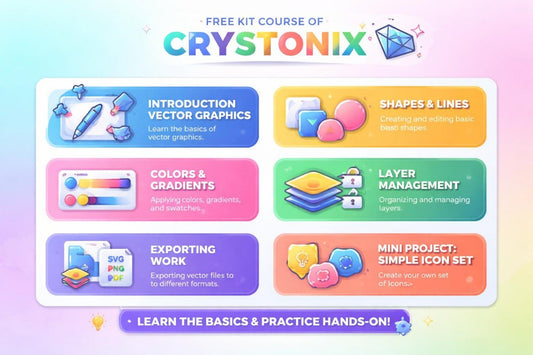
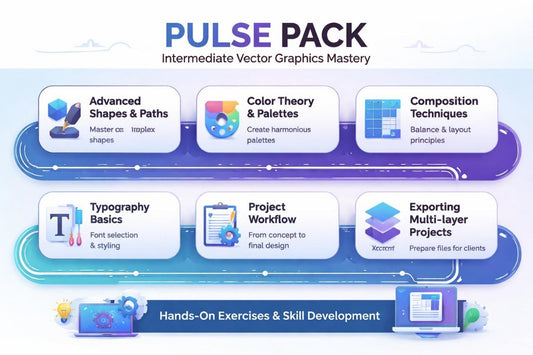
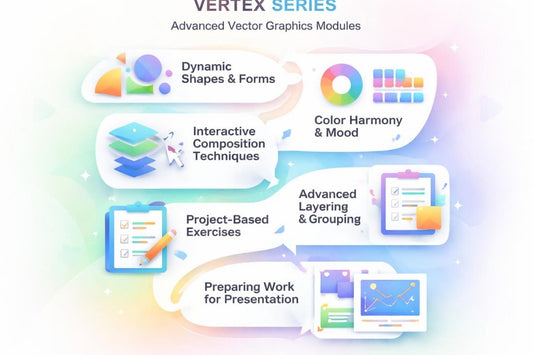
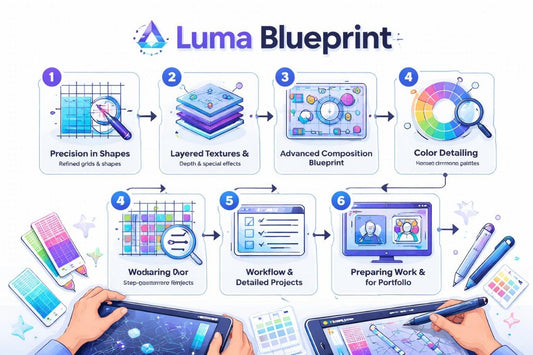
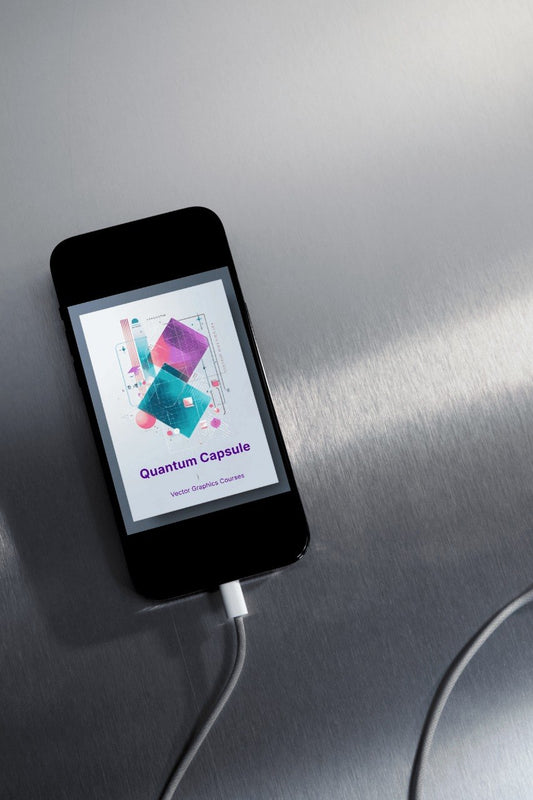
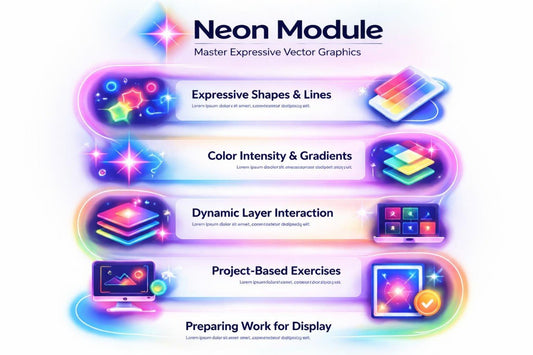
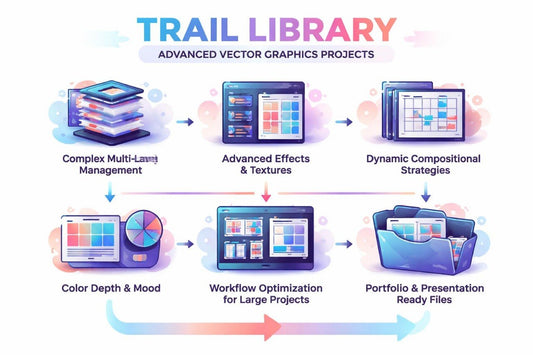
Explore a variety of vector graphics courses designed for all skill levels, from beginners to advanced designers. Each course includes structured lessons, practical exercises, and real projects to help you build your skills. You can preview the content before enrolling to see the teaching style and course format.